Home › Integrations › WooCommerce

WooCommerce conversion tracking that counts every paid order once
Your ads learn from sales that really happened. Each paid WooCommerce order is recorded on your server when the payment is confirmed, then sent with its value and products to Meta, Google Ads, GA4, TikTok, Pinterest and Snapchat. Meta, TikTok, Pinterest and Snapchat also get a copy from your server.
Works with HPOS and the block checkout. Checked against WooCommerce 11.2.
A sale counts when the payment is confirmed, not when a page loads
A WooCommerce order counts as a purchase when the payment gateway tells WooCommerce the order is paid. That's WooCommerce's payment-complete step, and the order usually turns Processing at that moment.
Orders paid by bank transfer, cheque or cash on delivery count when you mark them Completed. Those gateways never confirm a payment by themselves. Prefer to count only Completed orders? One setting does it.
The order is recorded on your server, not by a script on the thank-you page. A buyer who pays on PayPal and closes the tab still shows up as a purchase in your reports, and the server copies still go out. Browser tags send the same order under the same event ID, so each platform counts it once, and reloading the page doesn't send it again.
An order that fails or is cancelled, or that you trash, has any copies still waiting withdrawn.
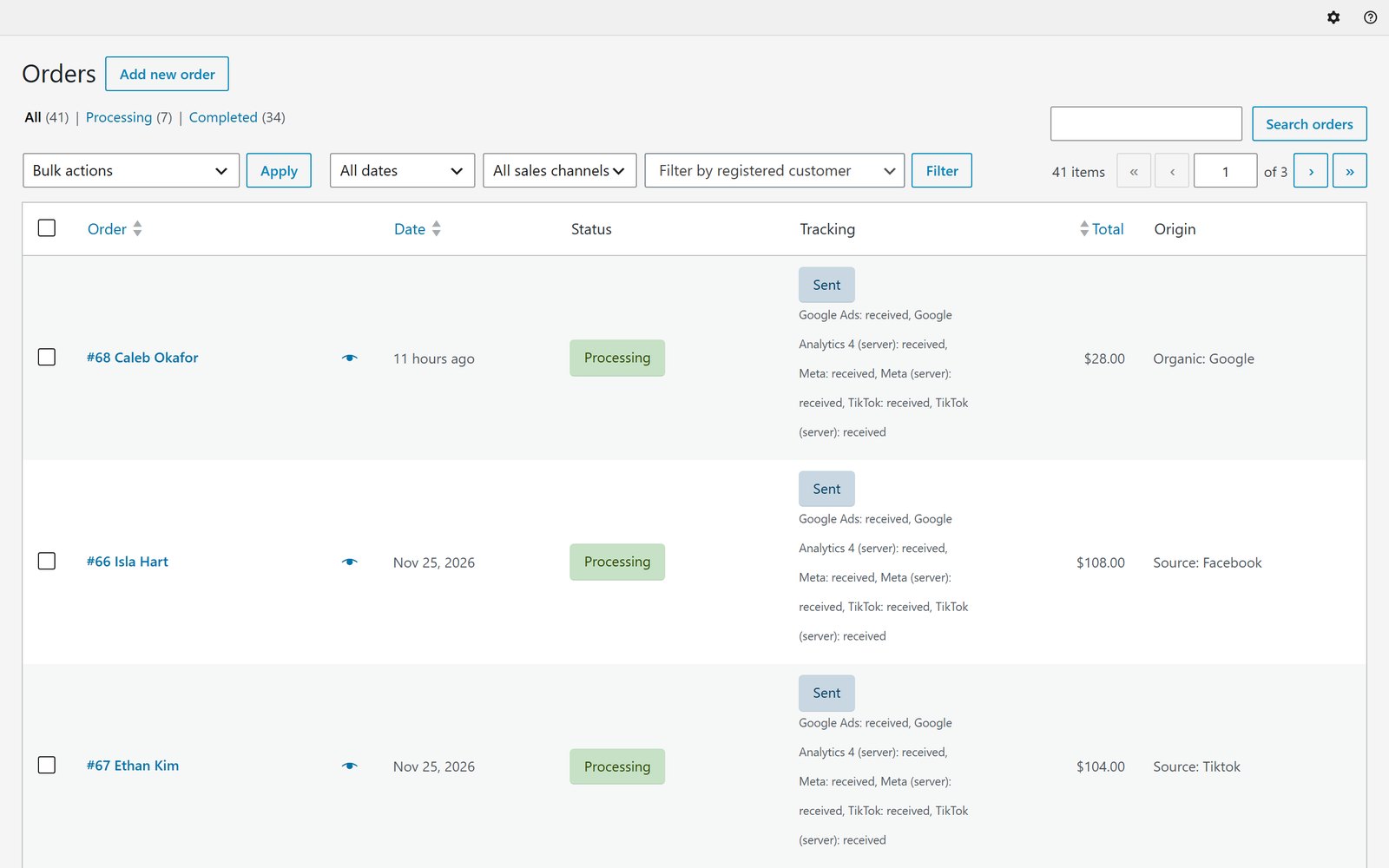
Meta, Google Ads, GA4 and TikTok get each order with what they need to learn from it
Each order reaches the ad accounts you switch on with its value, currency, order number and products. Product IDs can be the WooCommerce ID or the SKU, with a prefix or suffix, so they match the catalog your ads already use.
| Platform | From the browser | From your server | What each sale carries |
|---|---|---|---|
| Meta | Meta Pixel | Conversions API | Value, currency, products, order ID; hashed email and phone with consent |
| Google Ads | Google tag | Not yet (on the roadmap) | Value, currency, order ID, new-customer flag |
| Google Analytics 4 | Google tag | Refunds; purchases too, if you choose | Value, currency, products, order ID, tax, shipping, coupon |
| TikTok | TikTok Pixel | Events API | Value, currency, products, order ID |
| Pinterest tag | Conversions API | Value, currency, products, order ID | |
| Snapchat | Snap Pixel | Conversions API | Value, currency, products, order ID |
Server copies go directly from your own WordPress site within a minute or two. A background worker sends them, so checkout isn't slowed and there's no tagging server to rent. For GA4 you choose: purchases from the browser, or from your server instead, never both. More on how the two copies stay one sale: server-side tracking. Platform details: Meta, Google Ads, Google Analytics, TikTok.
Your ads see each step on the way to the order
Meta, GA4 and TikTok get each step a buyer takes in your WooCommerce store: product views, shop and category views, add to cart and remove from cart, cart views, checkout started, and the shipping and payment methods chosen. Those add-to-cart and checkout events are what their campaigns can optimise for before a sale, and GA4 fills its ecommerce reports with them. Site searches can be tracked too.
Pinterest and Snapchat get a shorter list, the steps their own event sets include. Google Ads gets the purchase conversion only, with no browsing events.
Every step waits for the visitor's consent, and each one has its own switch per platform.
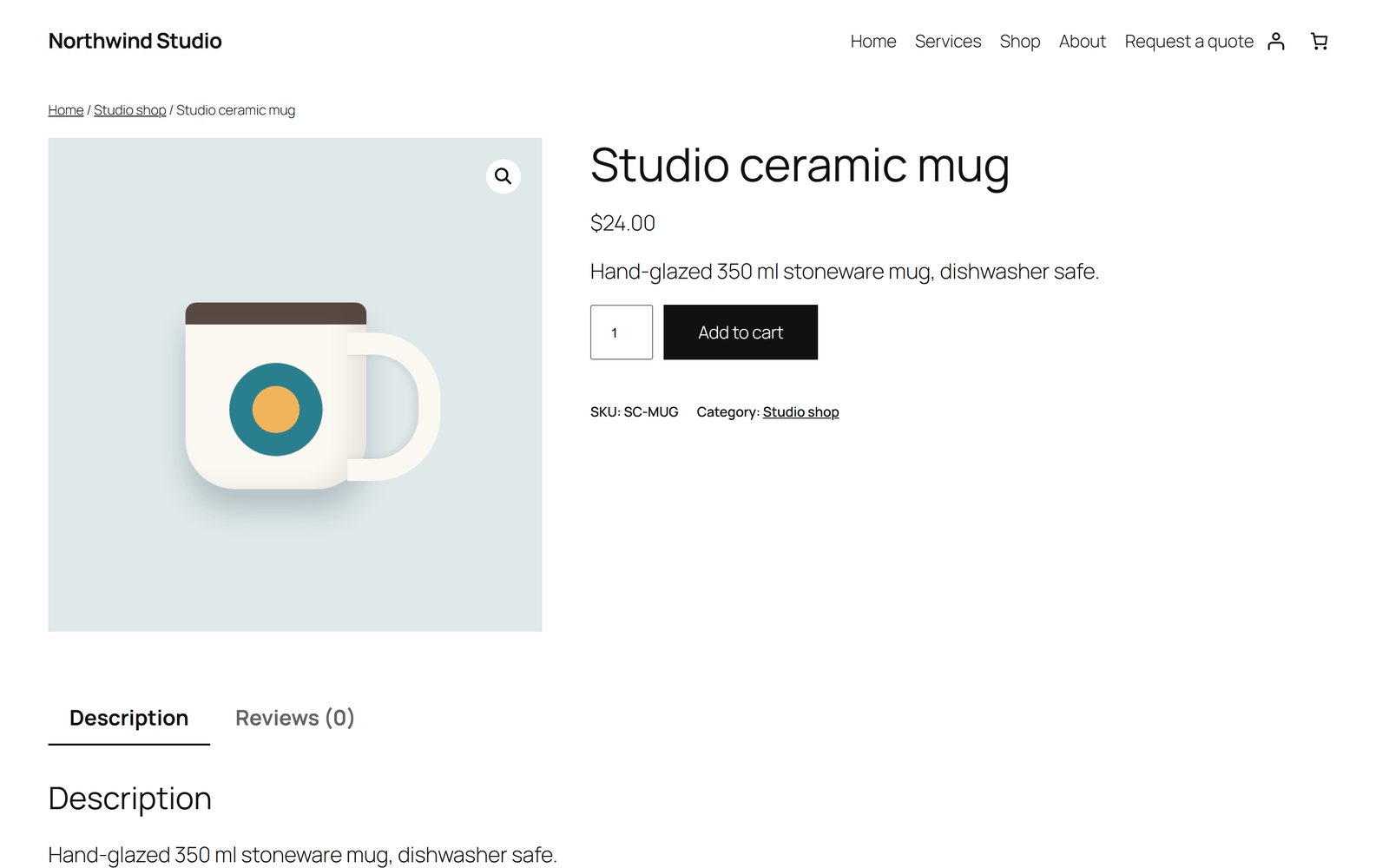
Your numbers stay clean without you sorting orders by hand
Tracking Nexus leaves out, by default, the orders your ads didn't bring:
- Orders you create in the admin, and point-of-sale orders.
- Subscription renewals, so a repeat charge isn't reported as a new sale from an ad.
- Orders from your own staff (you pick the roles) and from addresses you list, and visits from bots.
- Anything on a staging or development copy of your site.
Each of the first two has a switch if you do want them counted. The WooCommerce orders screen shows why an order wasn't sent.
The value your ads optimise for is the one you pick
By default a purchase is worth its products after discounts. You can send the order total instead, or the products plus any of tax, shipping and fees. Refunds follow the same choice, so GA4's revenue nets out the way you expect.
See which ad brought each order
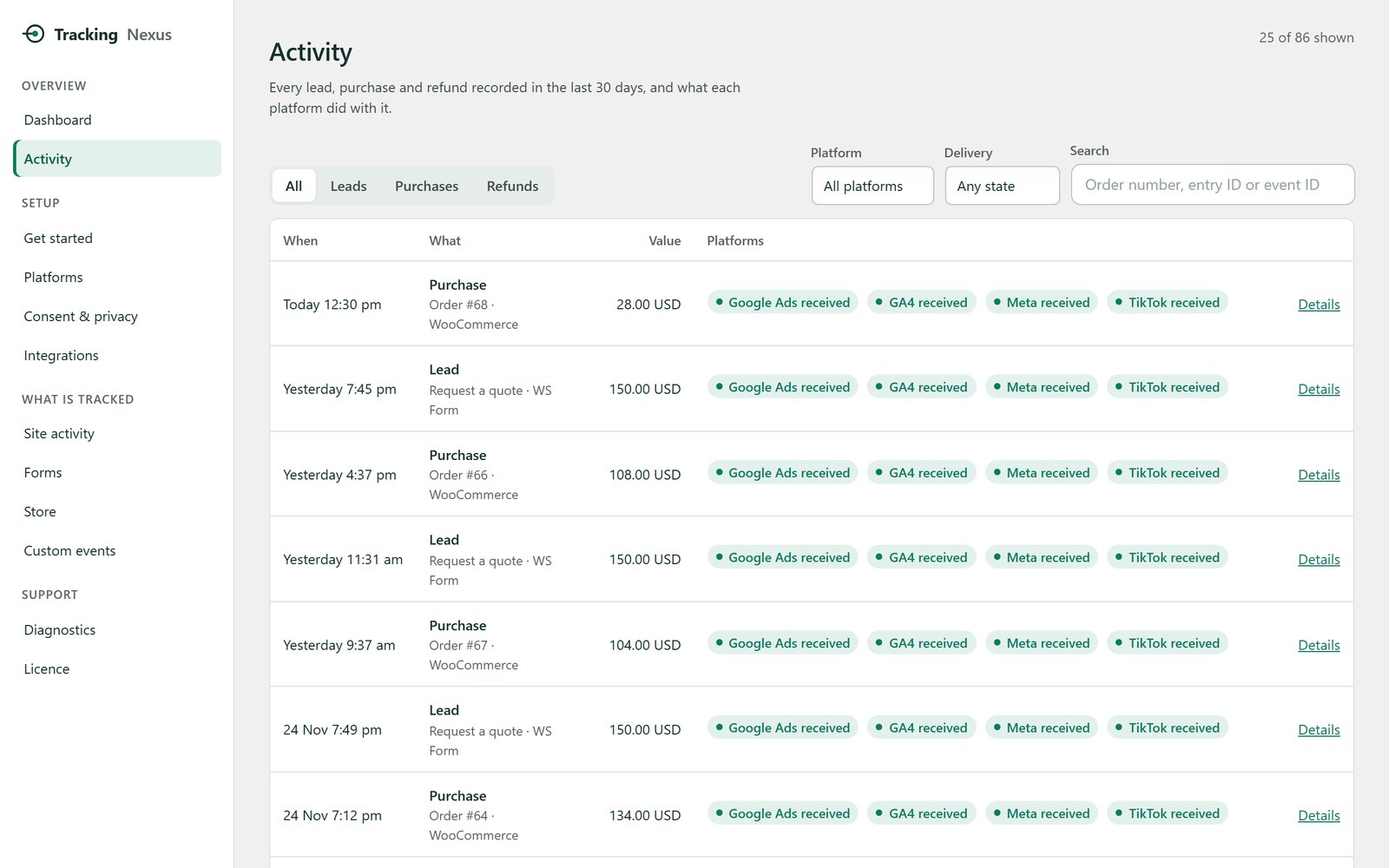
With the visitor's consent, Tracking Nexus saves the campaign tags (UTMs), landing page and referrer, and the ad click ID, on the order. A Tracking column on the orders screen shows whether each order was sent to your platforms, or why it wasn't. The "Where they came from" report adds up orders and revenue by source, medium and campaign. How attribution works.
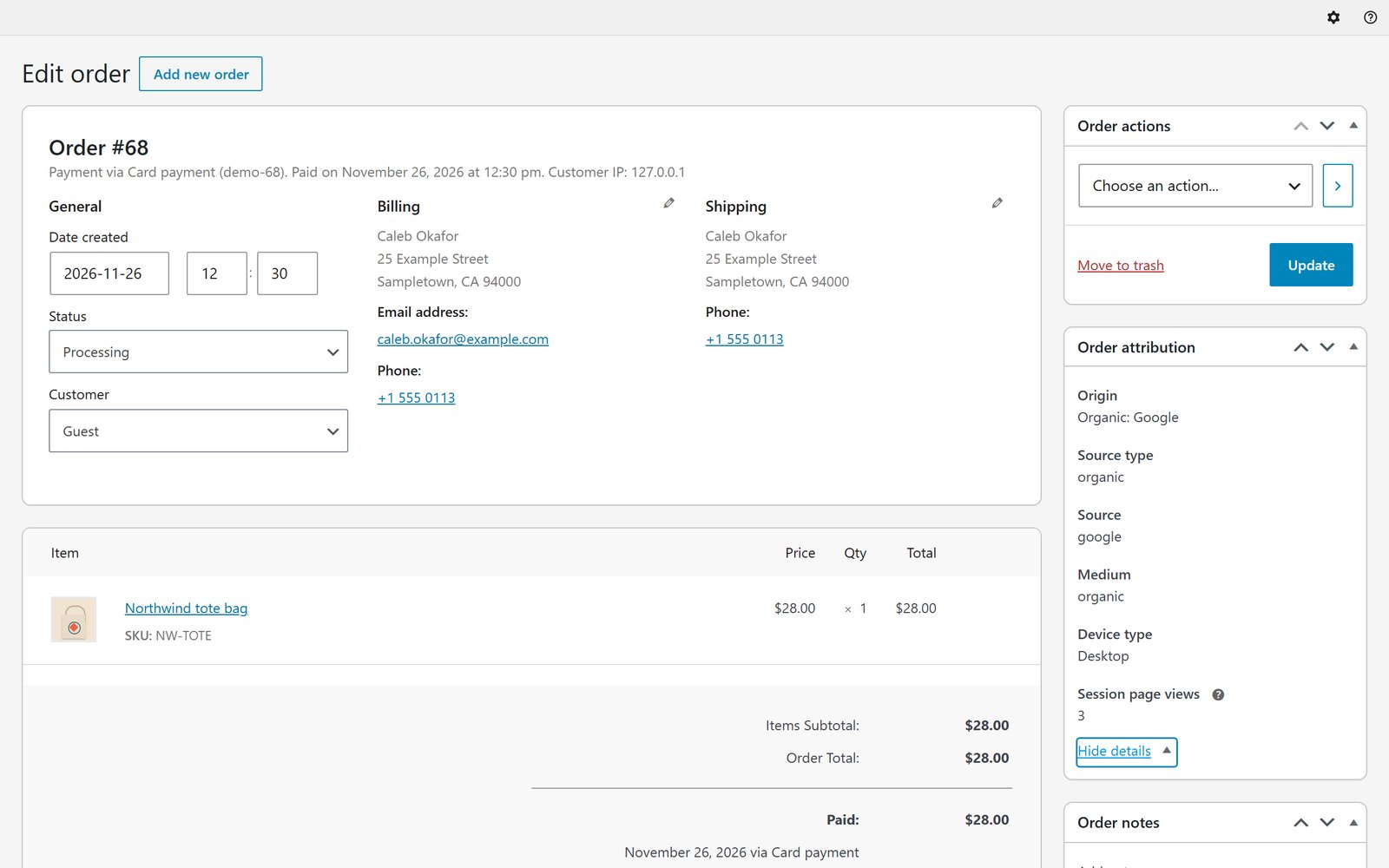
Install it and set up WooCommerce conversion tracking in WordPress
- Install the Tracking Nexus plugin and connect your ad accounts.
- Open the Store page and choose when a sale counts and what it's worth.
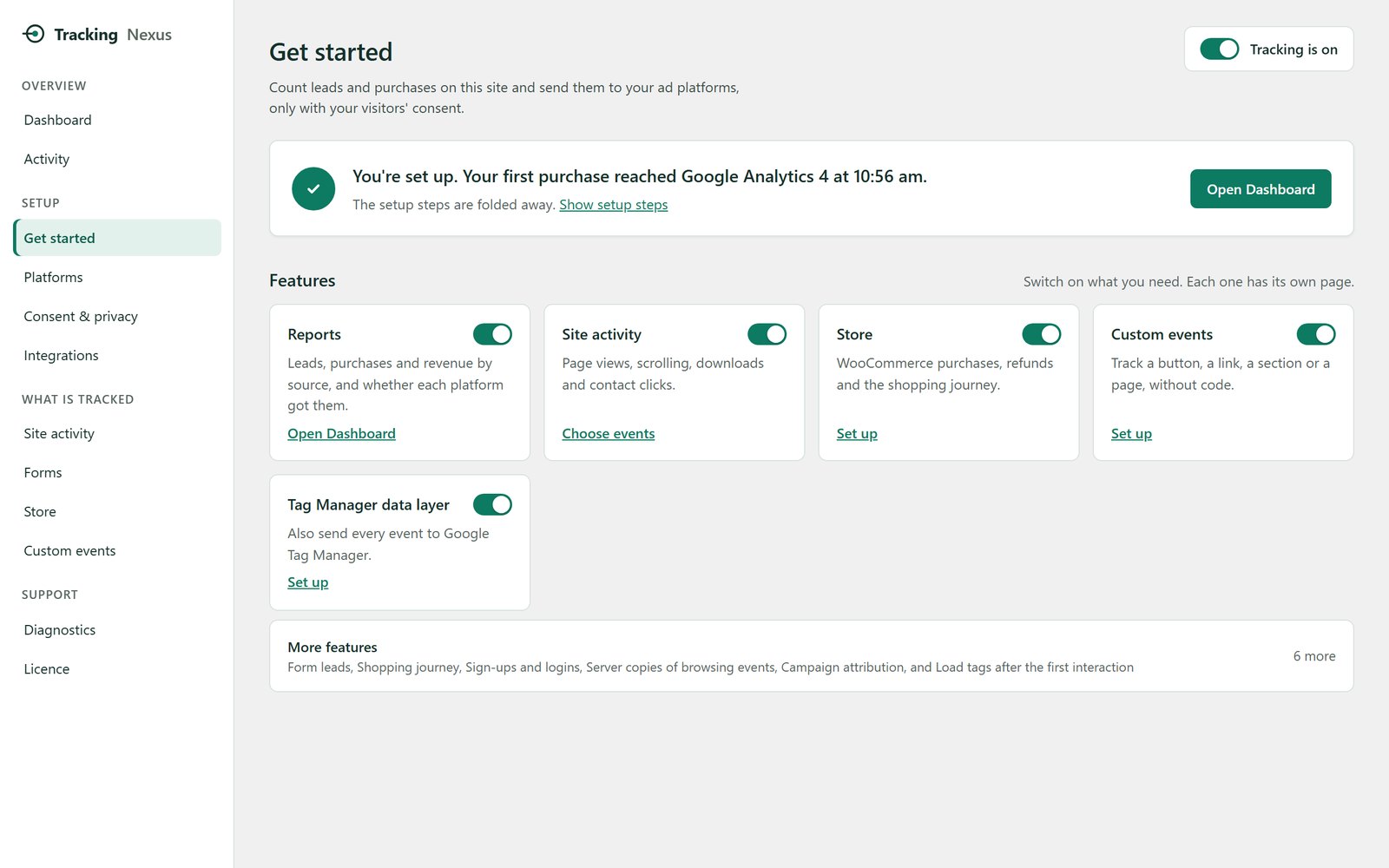
- Place a test order and check it in Activity, which shows each platform's answer.
Questions about the WooCommerce conversion tracking plugin
Do I need tracking code on the thank-you page?
No, you don't add anything there. The browser tags, Google Ads among them, send the order from WooCommerce's own order-received page when the buyer reaches it. The server copies to Meta, TikTok, Pinterest, Snapchat (and GA4, if you choose) go out either way.
Does it work with HPOS and the block checkout?
Yes. Tracking Nexus declares support for WooCommerce's High-Performance Order Storage (the custom order tables) and for the block-based cart and checkout. The classic checkout works too.
Are refunds sent to the ad platforms?
Refunds go to GA4, from your server. A full refund removes the sale's value, and a partial refund removes its share. Refund adjustments for Google Ads are on the roadmap.
Is my customers' data sent to the platforms?
Only after the buyer allows advertising. Email and phone are hashed with SHA-256 on your server before they're sent anywhere.
Does it replace my Meta Pixel, Google Ads tag and TikTok Pixel?
Yes. Tracking Nexus loads each platform's tag itself, after consent. Remove the copies another plugin or your theme adds, or each purchase is counted twice.
How is this different from Pixel Manager for WooCommerce?
Here's the side-by-side, prices included: Tracking Nexus vs Pixel Manager.
Works with the rest of your site too
Check out every integration Contact Form 7
Leads counted when the form accepts them
 WPForms
Leads counted when the form accepts them
 Fluent Forms
Leads counted when the form accepts them
 WS Form
Leads counted when the form accepts them
 Forminator
Leads counted when the form accepts them
 Formidable Forms
Leads counted when the form accepts them
 Ninja Forms
Leads counted when the form accepts them
 SureForms
Leads counted when the form accepts them
 Bit Form
Leads counted when the form accepts them
-
Contact Form 7
Leads counted when the form accepts them
-
WPForms
Leads counted when the form accepts them
-
Fluent Forms
Leads counted when the form accepts them
-
WS Form
Leads counted when the form accepts them
-
Forminator
Leads counted when the form accepts them
-
Formidable Forms
Leads counted when the form accepts them
-
Ninja Forms
Leads counted when the form accepts them
-
SureForms
Leads counted when the form accepts them
-
Bit Form
Leads counted when the form accepts them
Give your ads the orders your store was really paid for
Every feature comes with every plan, and your store is tracked in under five minutes. Try it worry-free with our 30-day money-back guarantee.