Home › Features › Server-side tracking
Server-side tracking for WordPress, with no container to host
When an ad blocker or a closed tab stops the pixel, your sales and leads still reach Meta, TikTok, Pinterest and Snapchat. Tracking Nexus sends a second copy from your own WordPress server, under the same event ID, so each one is counted once.
In every plan, with no tagging server to host and no monthly bill.
What server-side tracking does for your ads
Server-side tracking sends each conversion from your website's server directly to the ad platform's API, as well as from the pixel in the visitor's browser. The browser copy is easy to lose: an ad blocker stops the pixel, Safari's tracking prevention (ITP) shortens the life of first-party cookies set by scripts, or the buyer closes the tab before the thank-you page loads. A copy from your server doesn't depend on any of that.
So Meta, TikTok, Pinterest and Snapchat see more of the sales and leads that really happened, and their ads learn from those, not only from the visitors whose browsers let the pixel run.
Tracking Nexus records your WooCommerce store's purchases on your server when WooCommerce confirms the payment, and your leads when the form plugin accepts the submission. Neither waits for a thank-you page to load.
How the plugin sends each conversion from your server
One sale, from the moment it's paid to the platform's answer:
- Two copies, one ID. If the visitor's consent allows it, the pixel sends the purchase from the browser. Tracking Nexus records the same purchase on your server under the same event ID.
- A queue on your own site. The server copy waits in your WordPress database. A background worker, run every minute by WordPress's scheduler, sends it to the platform's API, usually within a minute or two. The visitor's page never waits for Meta or TikTok to answer.
- Checked, then sent, then retried. Just before sending, the worker reads the visitor's consent again, so a withdrawn choice stops the copy. If the platform is busy or can't be reached, it tries again with longer gaps for up to two days. If a platform refuses your access token, Tracking Nexus warns you in the WordPress admin, and the copies wait until you fix it, within the same two days.
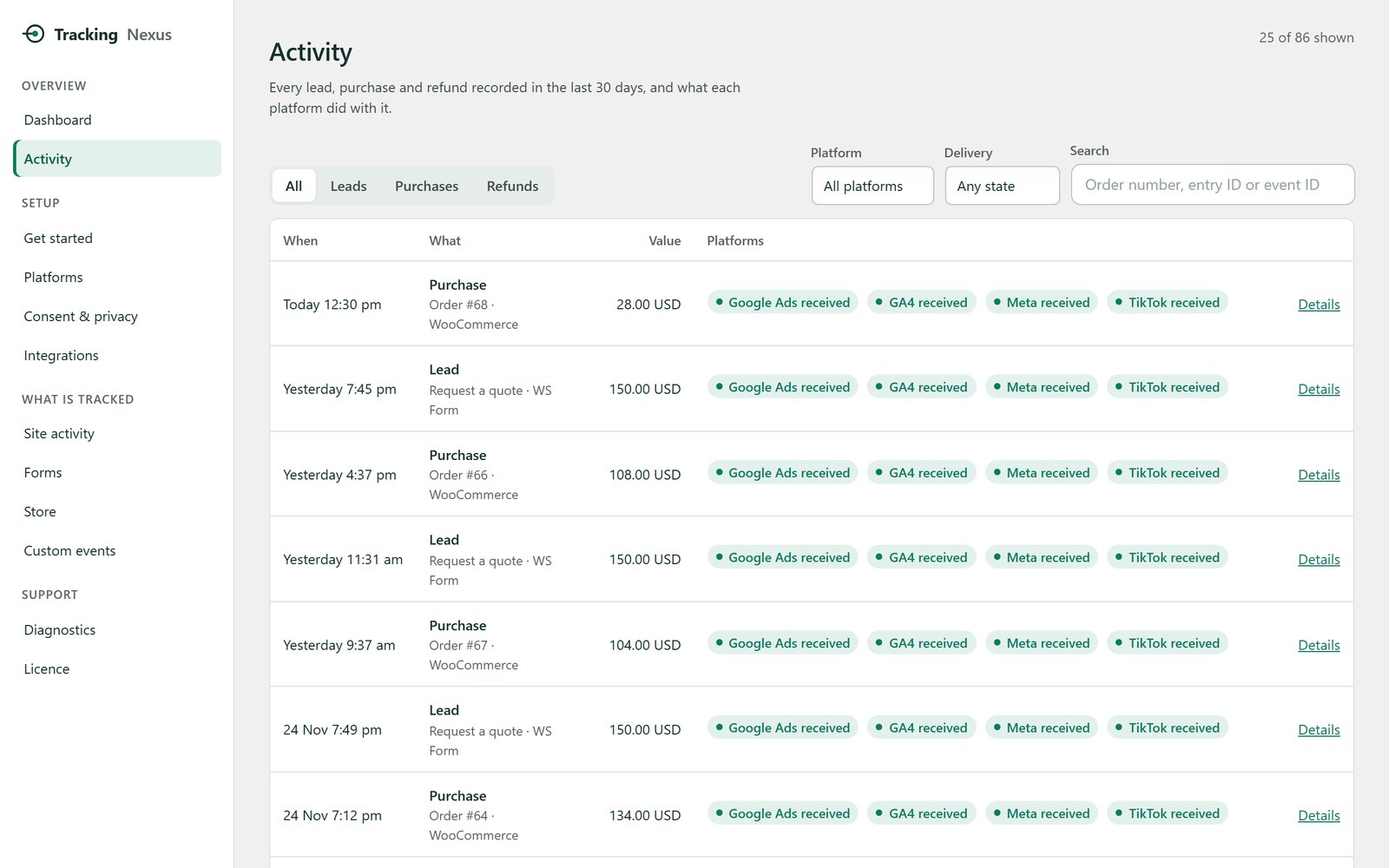
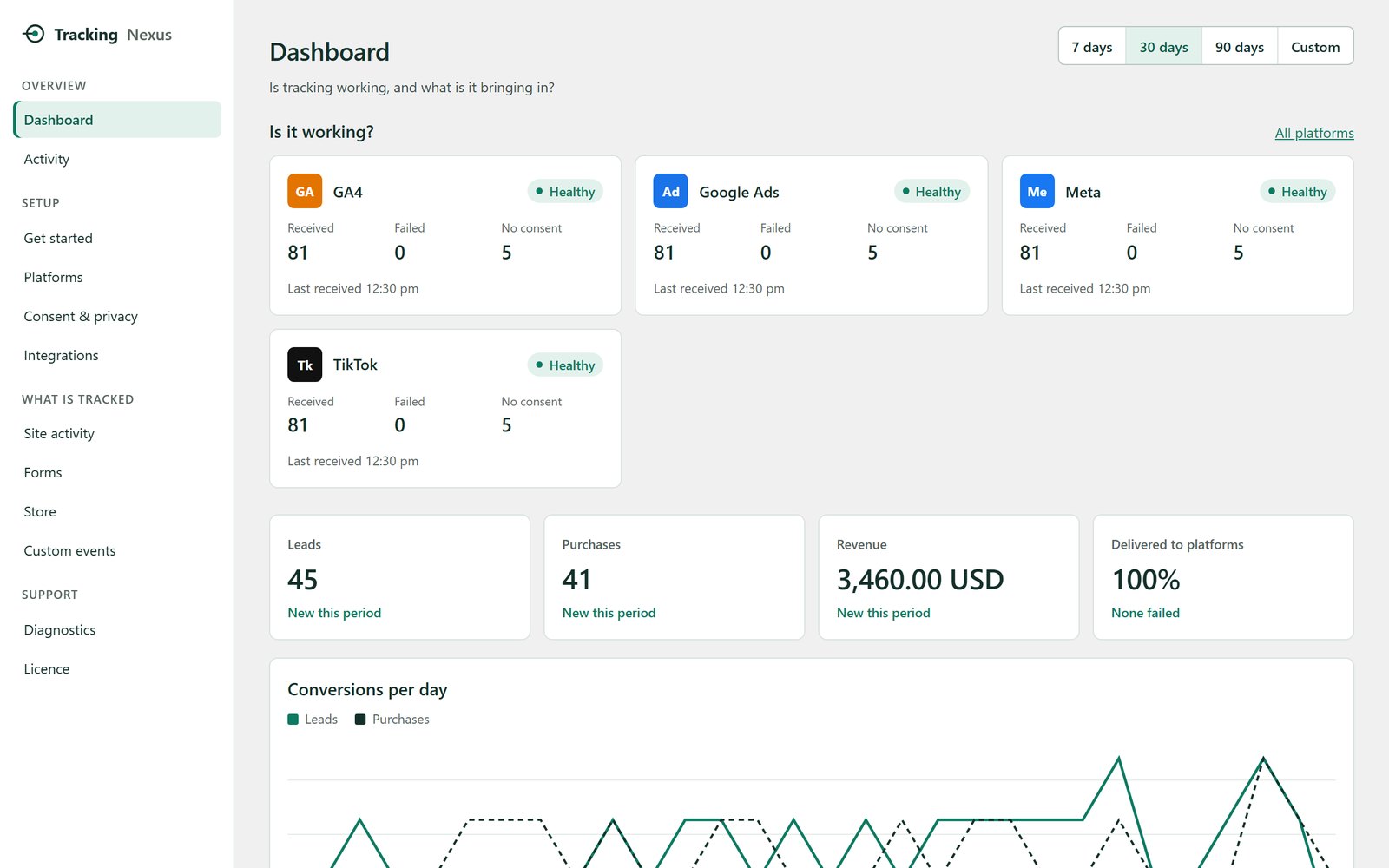
- The answer, in Activity. Activity shows what each platform did with the conversion: received, waiting, failed or not sent. A failed server copy can be sent again from the same screen.
Which platforms get server-side conversions
Tracking Nexus 1.0 sends server copies to five platforms:
- Meta, through the Conversions API (CAPI, the Facebook server API)
- TikTok, through the Events API
- Pinterest, through its Conversions API
- Snapchat, through its Conversions API
- Google Analytics 4, through the Measurement Protocol: refunds, and purchases if you choose
Meta, TikTok, Pinterest and Snapchat get your leads and purchases from the server, and, if you switch it on, server copies of browsing and shopping events such as page views and add to cart, so visitors with ad blockers still count. Pinterest and Snapchat take a shorter list of events than Meta and TikTok (what each platform receives). On each platform's page you choose browser, server or both, and paste that platform's access token once.
GA4's server setting stays off until you choose. "Refunds only" is the recommended choice. "Refunds and purchases" sends purchases from your server instead of the browser, never both, because GA4 can't remove a duplicate. Leads and page views go to GA4 from the browser.
Google Ads gets its conversions from the browser today. More is coming soon: see the roadmap.
No container to build, no hosting to pay for
Tracking Nexus sends from the WordPress site you already host, so there's nothing to build in Tag Manager and no server bill. It's in every plan, with no usage fee however many events you send.
The usual way to get server-side tracking is a Google Tag Manager server container. You set up server-side tagging, rebuild your tags inside it, then host the container on a cloud service or with a provider such as Stape, and pay for that every month.
Other plugins price it differently. Conversios sells its Conversions API plan at $398 a year and its full server-side product, which runs on Google Cloud, at $998 (list prices, checked 26 November 2026). Conversion Bridge includes server-side sending in every plan, as Tracking Nexus does.
Each sale counted once, not twice
A second copy only helps if the platform counts the sale once. Tracking Nexus gives the browser copy and the server copy the same event ID, and Meta, TikTok, Pinterest and Snapchat use that ID to keep one and drop the other. GA4 never gets both: each GA4 purchase comes from the browser or from your server, whichever you chose.
Only what visitors agreed to is sent, from the server too
A server copy goes only where the visitor's consent allows, exactly as the pixel does. When your consent plugin decides, nothing is sent from the browser or the server before the visitor chooses, and nothing goes to a purpose they declined. When you share customer details for matching, the email and phone are hashed (SHA-256) in PHP on your server, and the browser has no hashing code at all.
Already run server-side Tag Manager?
Keep it. Point Tracking Nexus at your own server-side Tag Manager, whether self-hosted, on Stape or anywhere else. GA4 then sends through it, and the Google tag and your Tag Manager container load from it. The server copies to Meta, TikTok, Pinterest and Snapchat still go straight from WordPress.
Questions about server-side tracking
Do I need Google Tag Manager for server-side tracking?
No, and you don't need to know GTM at all. Meta, TikTok, Pinterest, Snapchat and GA4 accept events from any server, and Tracking Nexus delivers them from your WordPress site. Tag Manager is optional, for people who already build their tags there.
Does server-side tracking get around ad blockers?
Partly, and only with consent. When a blocker stops the pixel, the server copy of a sale from a visitor who allowed tracking still reaches the platform. When the visitor declined, nothing is sent from either side.
Will server-side tracking slow my site?
Not the pages your visitors load. Server copies go into a queue and a background worker sends them, usually within a minute or two. In the browser, Tracking Nexus is one script of about 16 KB gzipped.
Does it work with the WooCommerce block checkout?
Yes. Tracking Nexus works with the block checkout and with HPOS, WooCommerce's order storage, and records each purchase on the server when the payment is confirmed.
How can I check that server-side conversions are arriving?
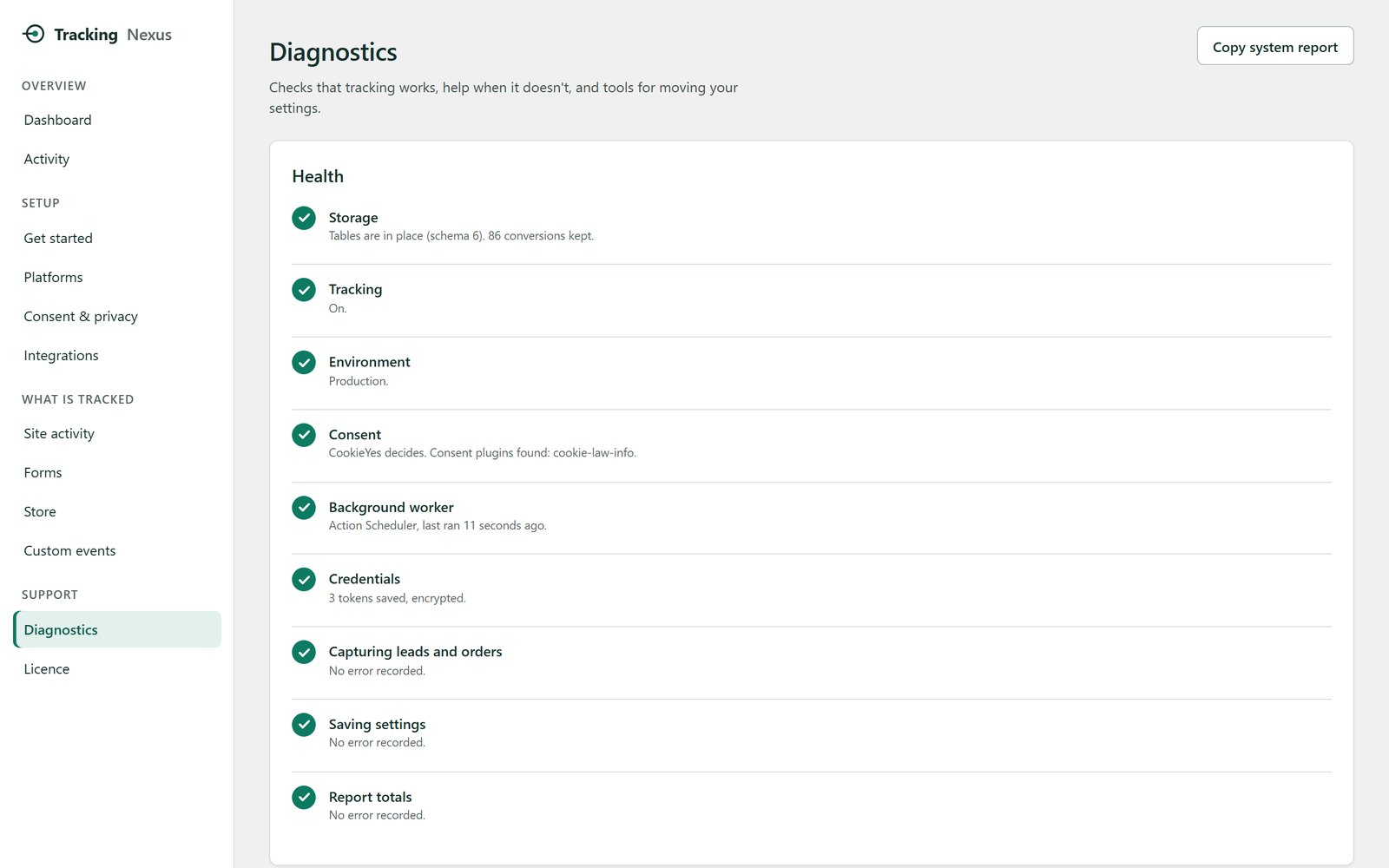
Open Activity. Each conversion shows every platform's answer, for the browser copy and the server copy. For Meta you can also paste a Test Events code on the Meta page and watch events arrive in Events Manager; Tracking Nexus switches that code off by itself after 24 hours, so it isn't left on by mistake.
Which payment methods count as purchases?
Card and other online payments count when WooCommerce confirms the payment. Bank transfer and cash on delivery orders count when you mark them Completed. Orders created in the admin or at a point of sale, and subscription renewals, are left out unless you switch them on.
What does server-side tracking cost?
Nothing on top of your plan. It's in every plan, with no usage fee and no hosting to pay for.
More in every plan
See every feature- Consent Mode v2 The banner you have decides for every platform
- Attribution Which ad brought each lead and sale
 Meta
Pixel and Conversions API
 Google Ads
Conversions and enhanced conversions
 Google Analytics 4
Events and ecommerce
 TikTok
Pixel and Events API
 Google Tag Manager
Data layer and server-side Tag Manager
Send your next sale from your own server
Install Tracking Nexus, paste each platform's access token and switch its server copies on. Every plan includes it, and you can ask for your money back within 30 days.