Home › Integrations › Bit Form

Bit Form conversion tracking
Each Bit Form entry reaches your ads as one lead with its value, however often it's edited or paid.
Your ads learn only from Bit Form entries that passed its validation, captcha and restrictions and were saved. Each lead goes to Meta, Google Ads, GA4, TikTok, Pinterest and Snapchat, with no redirect, no thank-you page and no code.
Checked against Bit Form 3.5.0.
How do I track Bit Form submissions as conversions?
A Bit Form submission counts as a lead once Bit Form has passed its validation, captcha and restrictions and saved the entry. To track a form, tick it on the Tracking Nexus Forms page; you don't change the form itself.
Submissions that fail those checks never reach Tracking Nexus, and a saved draft is never sent to your ads.
Bit Form entries count once, whatever happens to them later
- One entry is one lead: when Bit Form reports the same entry again after an edit, Tracking Nexus records nothing new.
- Trash or purge an entry, and any of its server copies still waiting to leave are withdrawn.
- Name and address fields are read part by part, so a first name or a city can be mapped on its own.
Each lead counts once, and server copies still arrive when a browser tag is blocked
The lead goes to each platform you picked for that form. Meta, TikTok, Pinterest and Snapchat get it twice, from the visitor's browser and from your own server, under one event ID, so each counts it once and the server copy still arrives when a browser tag is blocked. Google Ads and GA4 get it from the browser. Server copies leave within a minute or two, so the form's reply isn't slowed.
With the lead, Tracking Nexus saves the campaign and the ad click that brought it, so you can see which ad brought each lead. Platform details: Meta, Google Ads, Google Analytics, TikTok.
Give each form the value it's worth to you
- Value: a fixed amount, the amount typed into a field (with a ceiling you set), or an amount for each choice in a list, such as a service picked. Each form has its own currency.
- What the lead is: a lead, contact, booking, application, subscription or sign-up, sent under each platform's own event name. A booking reaches Meta as Schedule.
- Google Ads: one conversion label for every form, or this form's own, so it becomes its own conversion action.
- Platforms: choose which ad accounts receive this form's leads.
- Details: add what the lead is about, such as the service chosen. Anything that looks like an email address or phone number is left out.
- Matching: the email, phone and name fields are picked for you the first time you track a form, and you can change them.
Set up Bit Form tracking in three steps
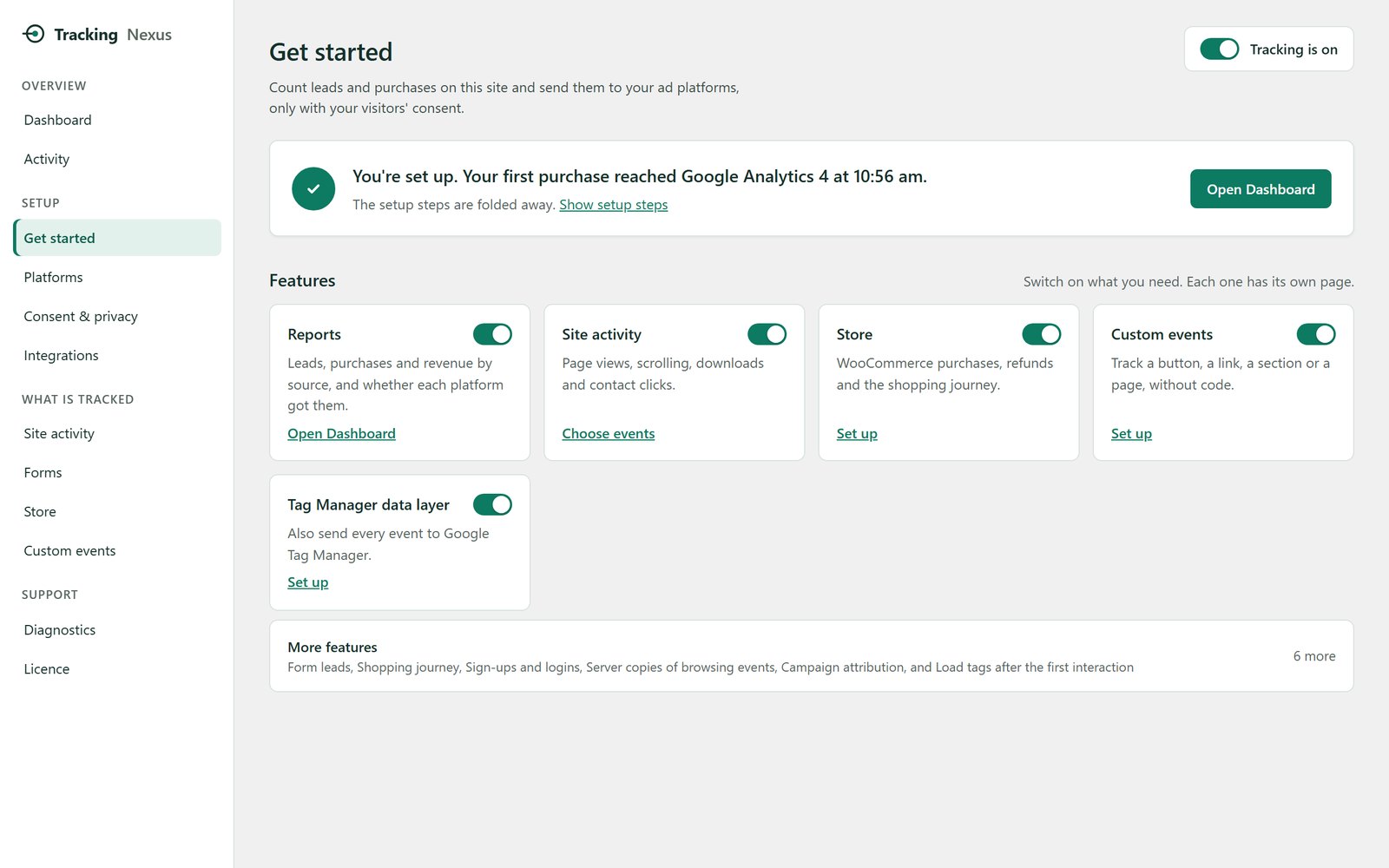
- Install Tracking Nexus and connect your ad accounts.
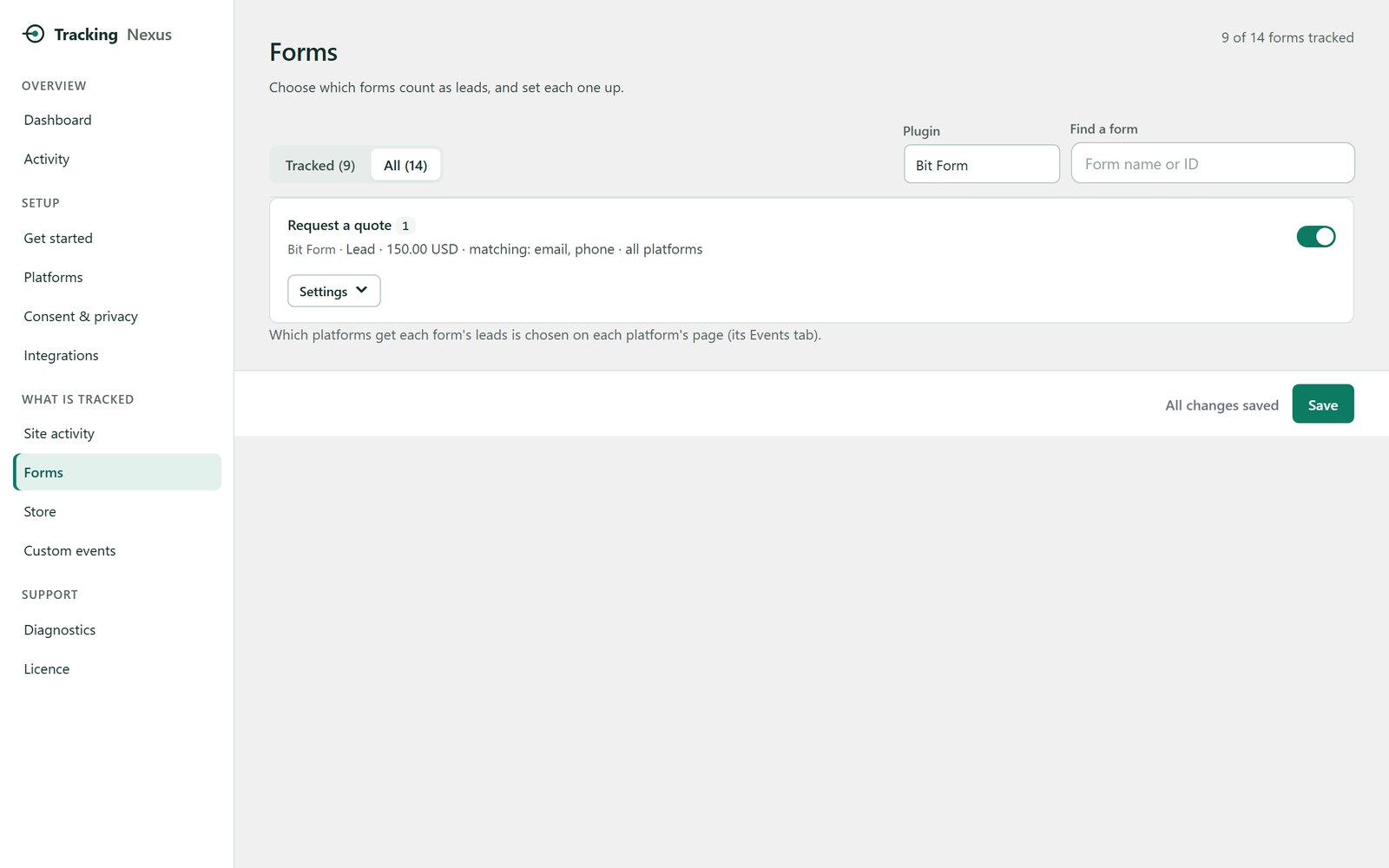
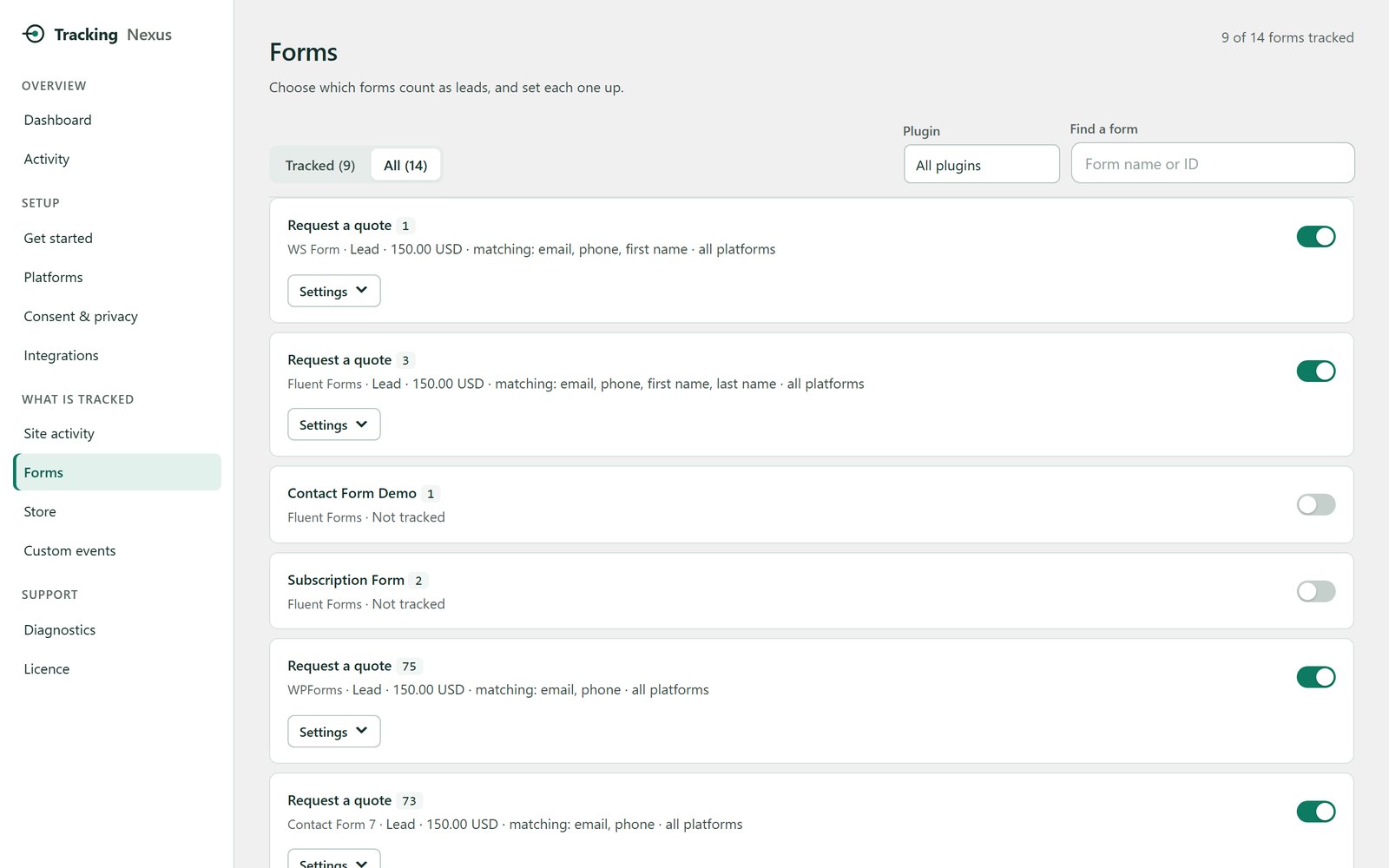
- Open Tracking Nexus → Forms. Your Bit Form forms are listed: tick the ones to track and set each one's value.
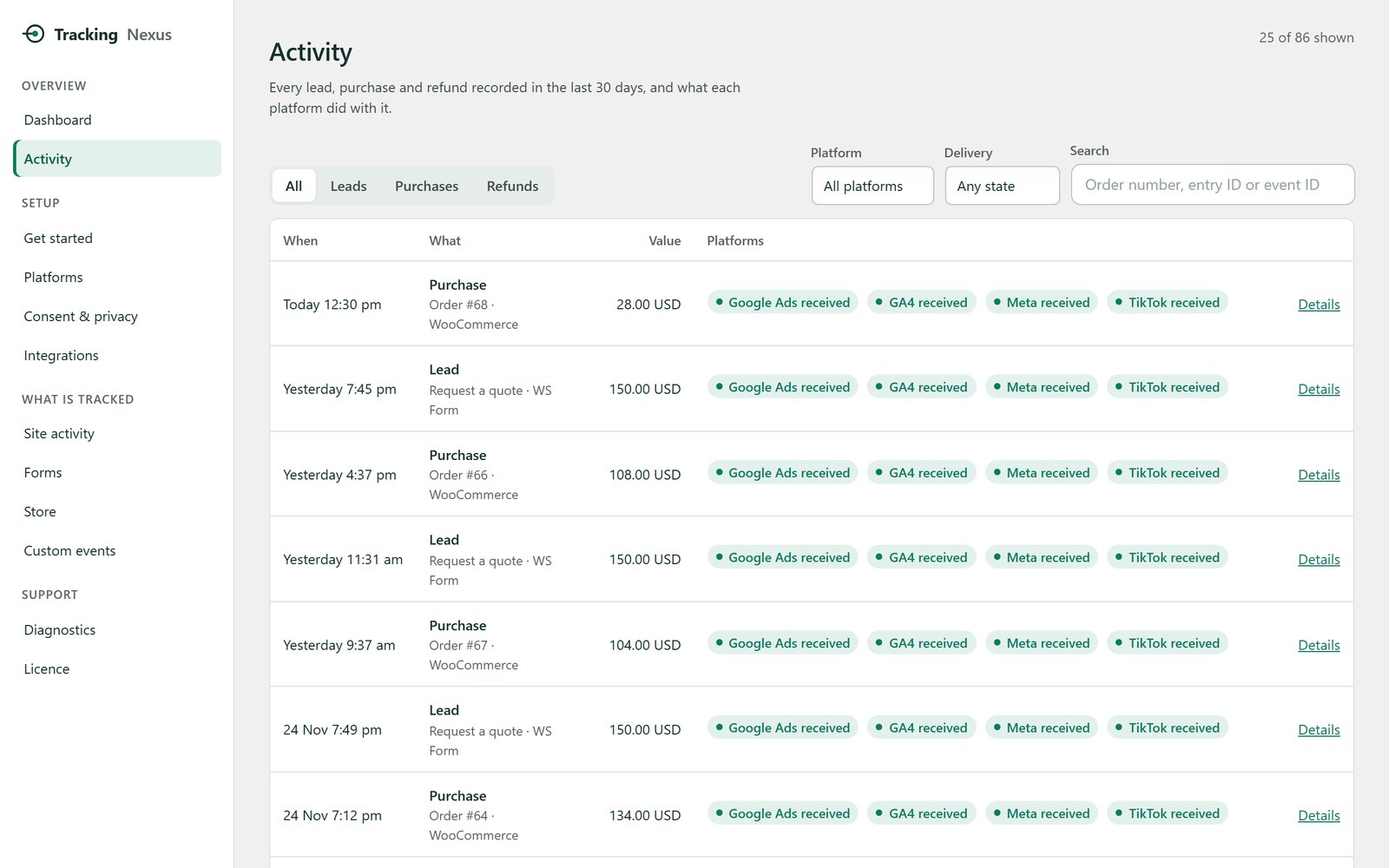
- Sign out (your own team isn't tracked), send a test entry, and open Activity. It shows the lead and each platform's answer.
Questions about Bit Form conversion tracking
Does a paid Bit Form entry count twice?
No. A Bit Form entry is one lead. When its payment completes, Bit Form reports the entry again, and Tracking Nexus records nothing new.
Is the visitor's personal data sent?
Only to platforms the visitor allowed advertising for. The email, phone and name are hashed with SHA-256 on your server before they leave. The form's other answers aren't sent unless you choose to add them.
What if the visitor declines cookies?
Nothing goes to your ad platforms. The lead still appears in your Tracking Nexus reports, so you know it happened. How consent works.
Can tracking stop a Bit Form submission from going through?
No. Tracking Nexus runs after Bit Form has accepted the submission, and a tracking error is caught without touching the form's reply.
Works with the rest of your site too
Check out every integration WooCommerce
Every paid order, counted once
 Contact Form 7
Leads counted when the form accepts them
 WPForms
Leads counted when the form accepts them
 Fluent Forms
Leads counted when the form accepts them
 WS Form
Leads counted when the form accepts them
 Forminator
Leads counted when the form accepts them
 Formidable Forms
Leads counted when the form accepts them
 Ninja Forms
Leads counted when the form accepts them
 SureForms
Leads counted when the form accepts them
-
WooCommerce
Every paid order, counted once
-
Contact Form 7
Leads counted when the form accepts them
-
WPForms
Leads counted when the form accepts them
-
Fluent Forms
Leads counted when the form accepts them
-
WS Form
Leads counted when the form accepts them
-
Forminator
Leads counted when the form accepts them
-
Formidable Forms
Leads counted when the form accepts them
-
Ninja Forms
Leads counted when the form accepts them
-
SureForms
Leads counted when the form accepts them
Send every accepted Bit Form lead to your ads
Bit Form and every other supported form plugin come with every plan. Set it up in under five minutes. Try it worry-free with our 30-day money-back guarantee.