WooCommerce UTM tracking and lead attribution
See which ads brought each lead and sale, inside WordPress.
Tracking Nexus saves the campaign tags and the ad click behind every WooCommerce order and form lead, after the visitor's consent, and adds up leads, purchases and revenue by source and campaign on your Dashboard.
Leads and sales in one report, with ten ad click IDs saved after consent.
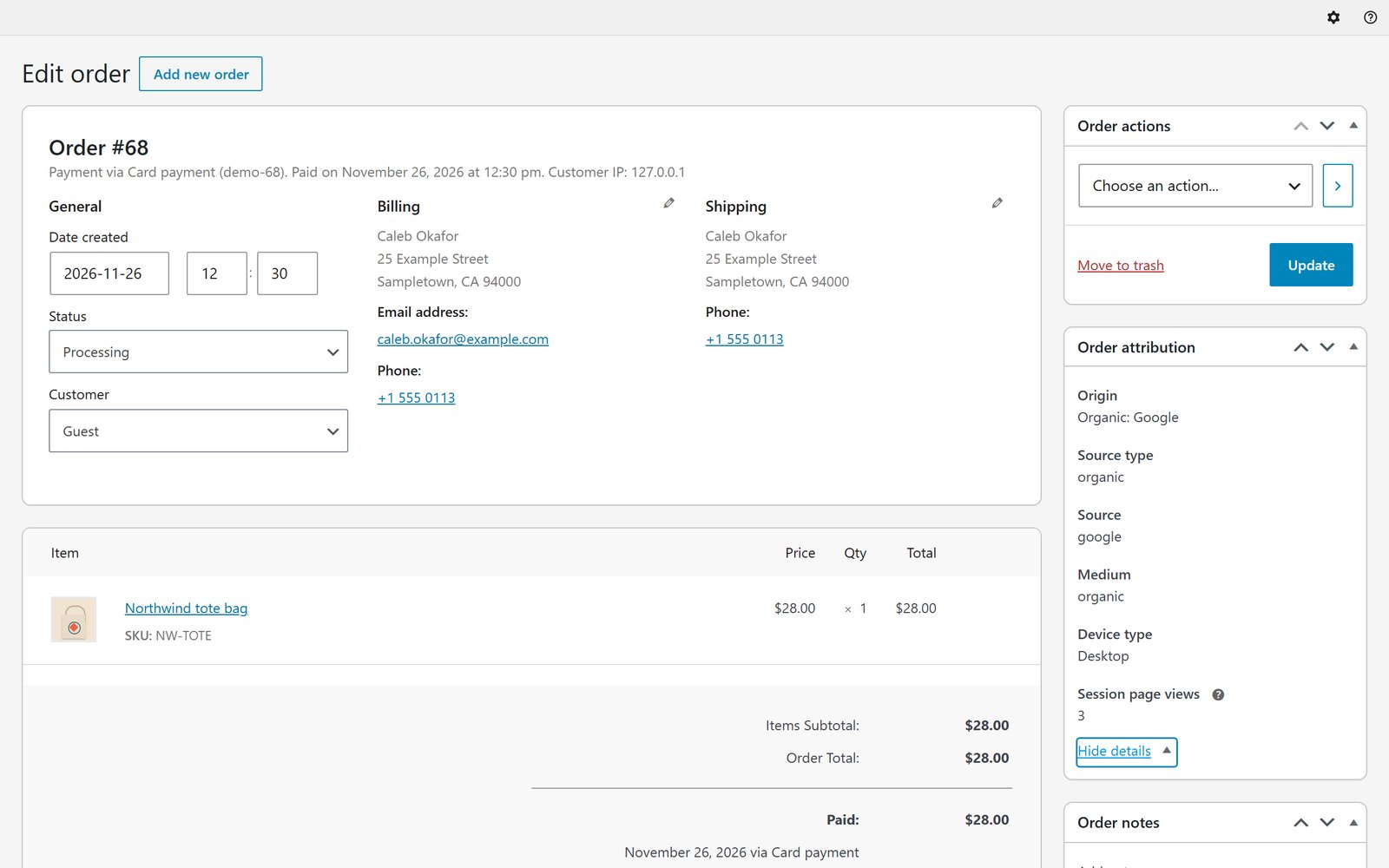
What's saved with each lead and order
To see which campaign brought a WooCommerce order, open the Tracking Nexus Dashboard: "Where they came from" lists leads, purchases and revenue by source, medium and campaign. That works because Tracking Nexus captures the visit behind every conversion:
- Campaign tags: utm_source, utm_medium, utm_campaign, utm_term and utm_content
- The landing page and the referring site
- The ad click ID, when there is one: gclid, gbraid and wbraid (Google Ads), msclkid (Microsoft Ads), fbclid (Meta), ttclid (TikTok), epik (Pinterest), ScCid (Snapchat), li_fat_id (LinkedIn) and twclid (X)
Tracking Nexus keeps the visitor's first and last touch for up to 90 days, so a customer who clicks an ad today and comes back next week to order is still linked to that ad. Campaign tags that look like an email address are dropped, never stored.
Set up WooCommerce UTM tracking without code or Tag Manager
- Install Tracking Nexus on your WooCommerce store or website and activate your licence.
- Choose who decides consent on the Consent & privacy screen.
- Add UTM tags to the links in your ads, marketing emails and social posts. Google Ads and Meta add their own click IDs to ad clicks.
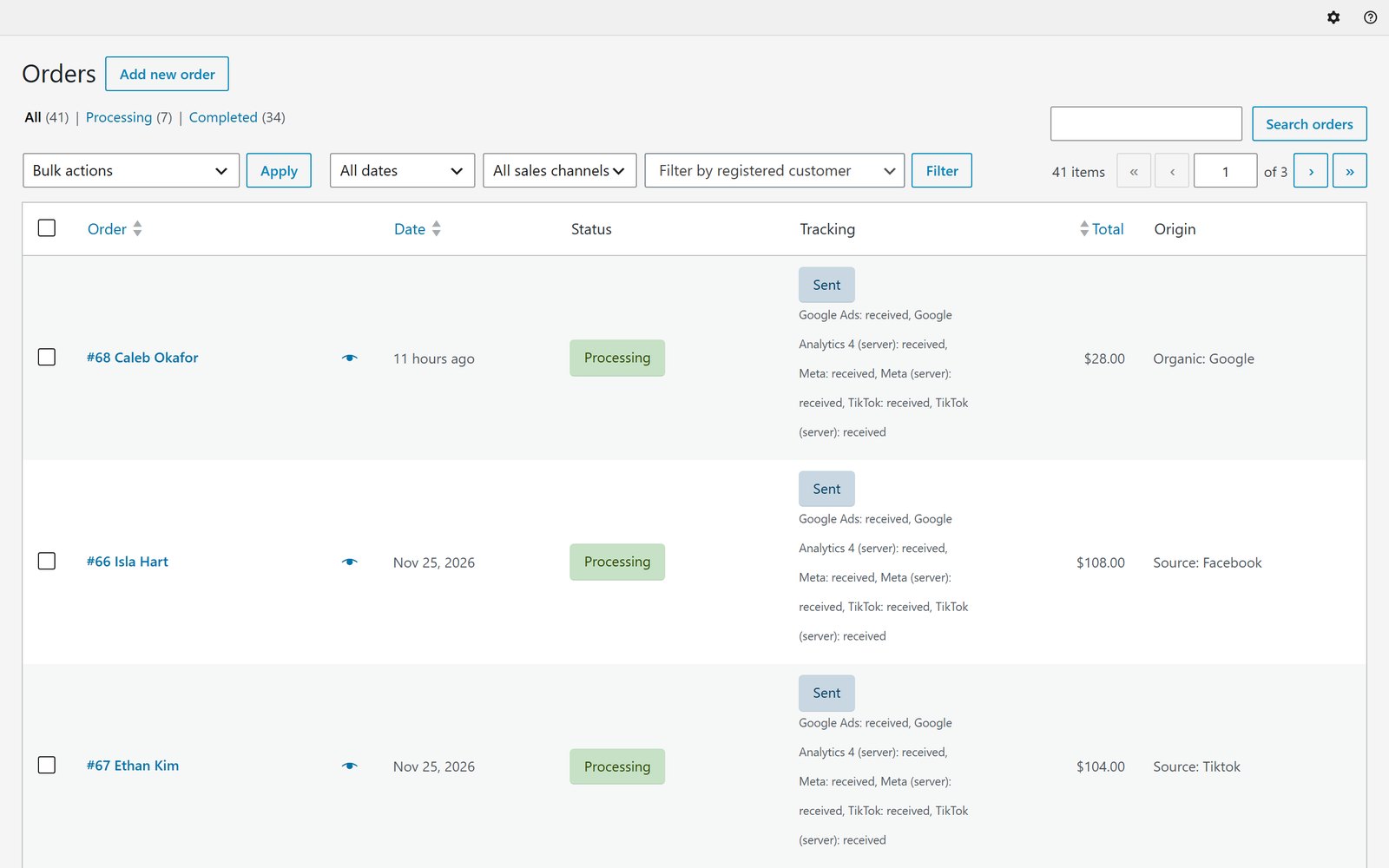
Campaign attribution is switched on in the settings when you install Tracking Nexus. There's no code to paste on the thank-you page and nothing to build in Google Tag Manager.
From the next visit on, each lead and order carries the campaign that brought it.
Saved only with the visitor's consent
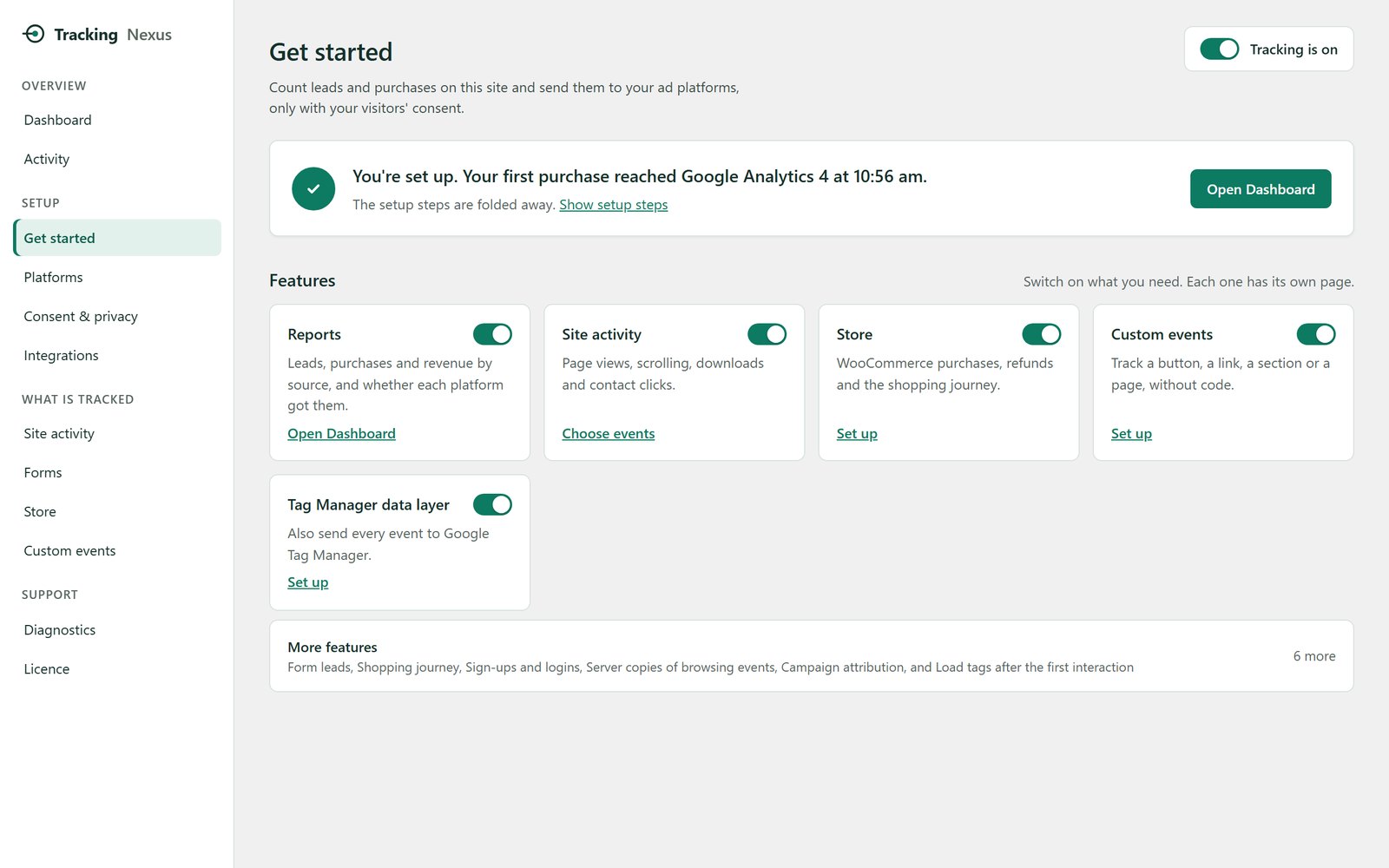
Campaign tags, the landing page and the referring site are saved only when the visitor allows analytics. Ad click IDs also need advertising and matching permission. Your Dashboard still counts every lead and sale from a visitor who said no; the row reads "(no analytics consent)" instead.
The "Where they came from" report
"Where they came from" sits on the Tracking Nexus Dashboard in WordPress. Each row is one source / medium and campaign, with the leads, purchases and revenue it brought, for the last 7, 30 or 90 days or the dates you pick, so you see which traffic brings sales, not only visits. Visits that came straight to your website show as "(direct)".
Each conversion is credited to the last visit that came with campaign tags or from another site; the first visit's channel and source stay on the record. An ad click without campaign tags shows its channel: paid search for Google and Microsoft click IDs, paid social for TikTok, Pinterest, Snapchat, LinkedIn and X, and organic social for a Meta click without a UTM medium, so tag your Meta ads.
The report keeps totals only, with nothing about a person, and you can download it as a CSV file to put next to your ad spend.
Check any order from the orders screen
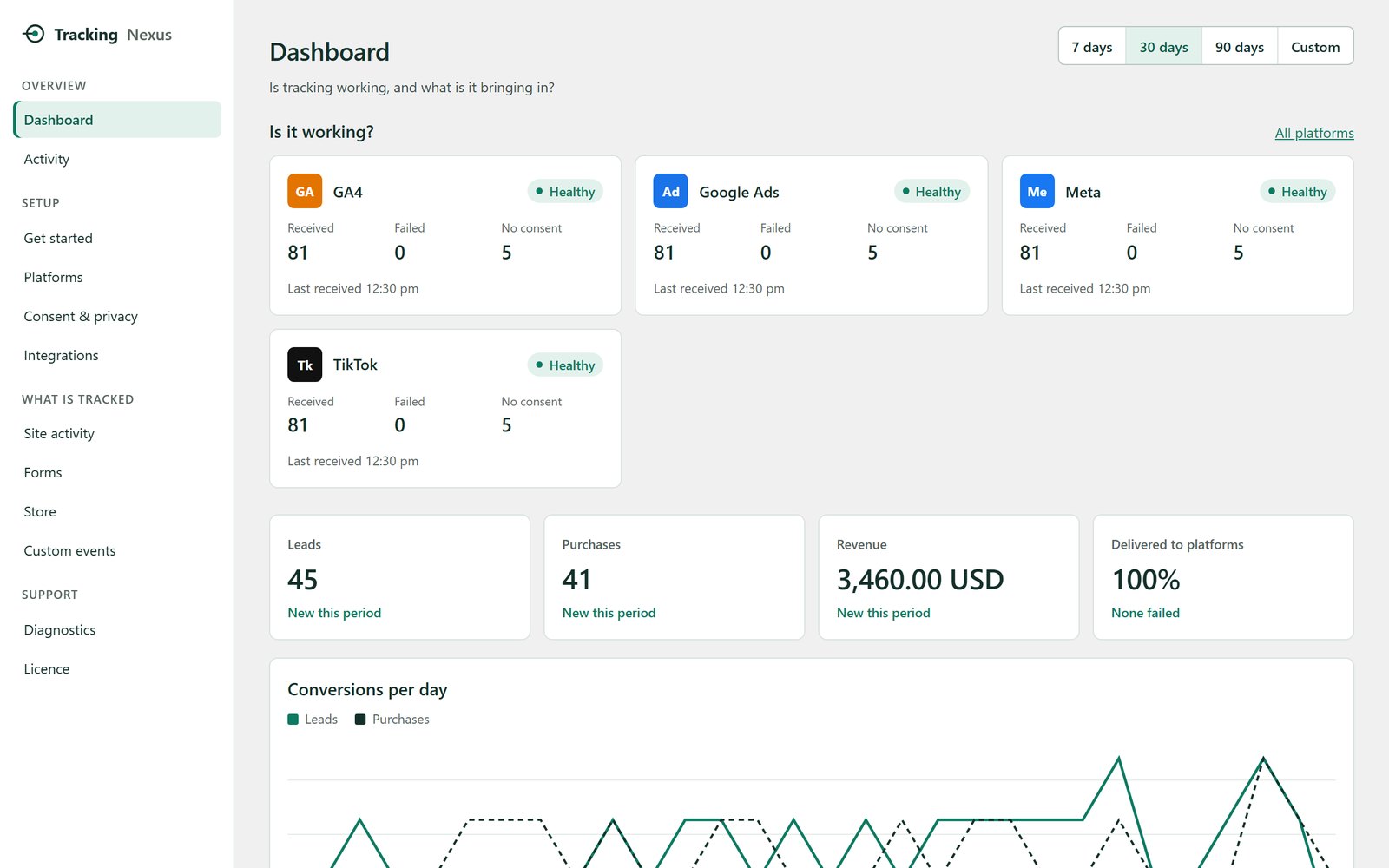
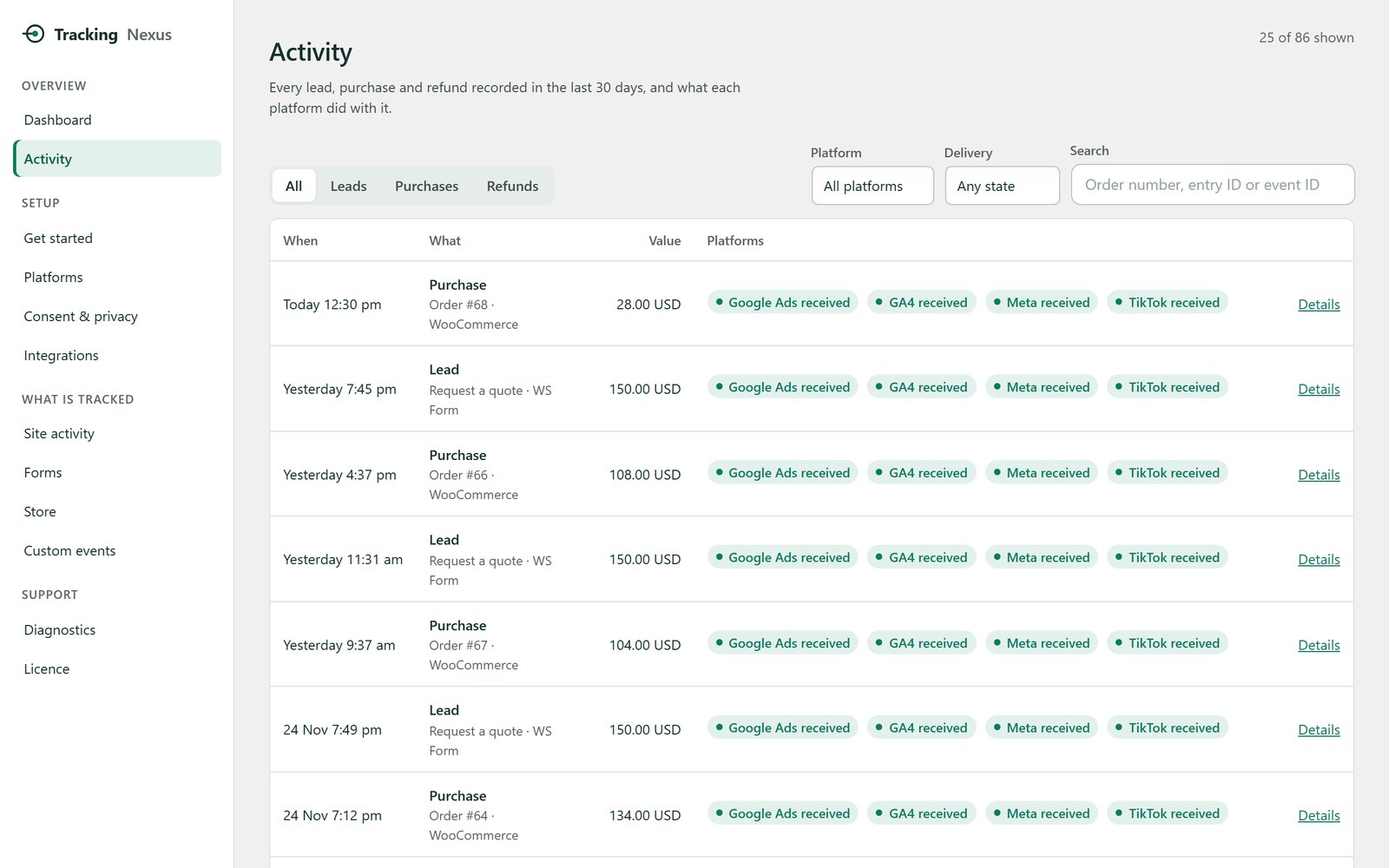
On the WooCommerce orders screen, a Tracking column shows whether each order was sent to your platforms and how each delivery went. When an order wasn't sent, it says why: created in the admin or at a point of sale, a subscription renewal, a staff role or an excluded IP address. Open the conversion in Activity to see where that buyer came from.
If Tracking Nexus has no campaign record for an order, it uses WooCommerce's own order attribution instead, so the order still has a source in your report.
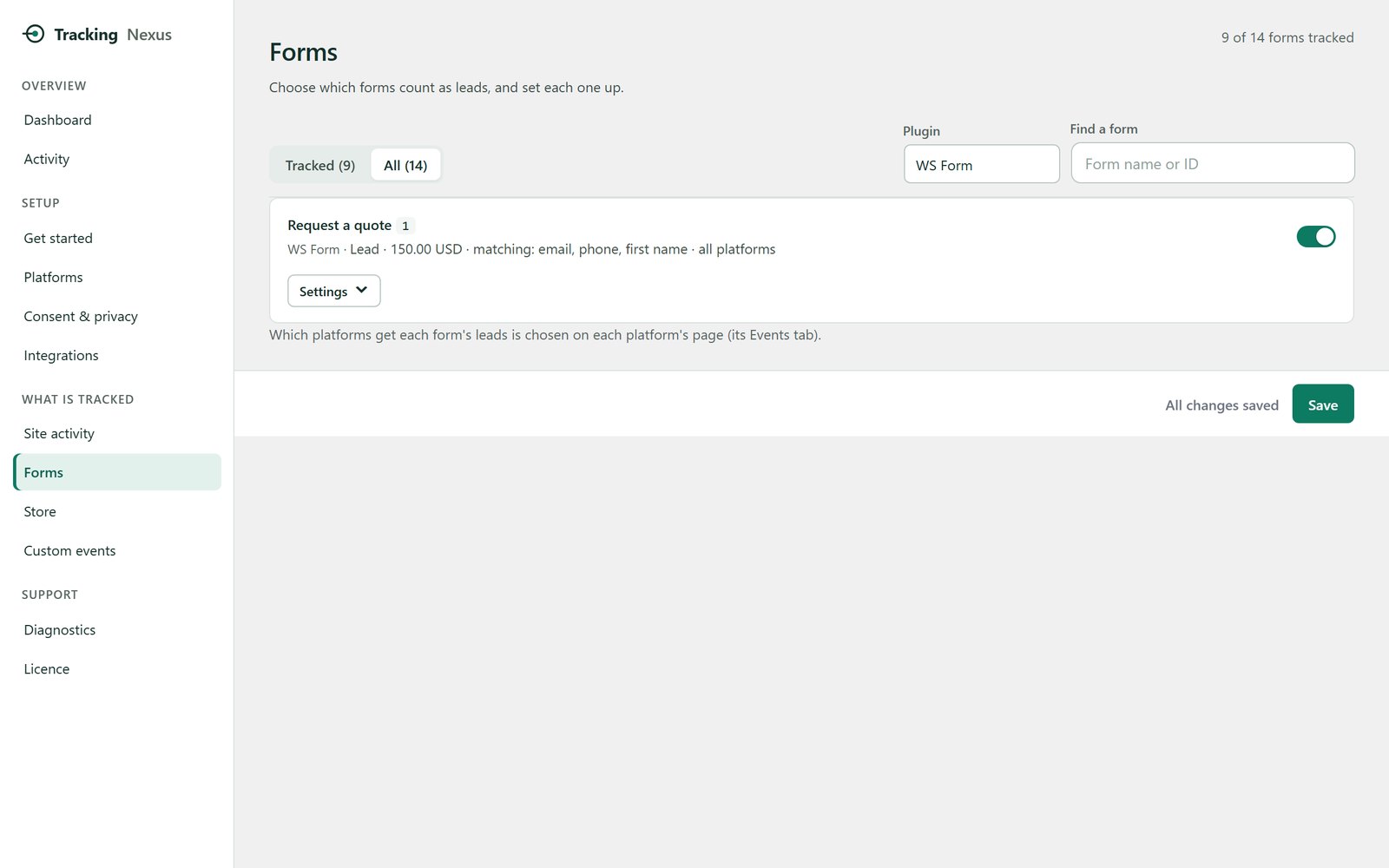
Leads get a source too, from 9 form plugins
WooCommerce's order attribution covers orders. Your form leads usually have no source at all. Tracking Nexus saves the same campaign record with every lead your form plugin accepts, from WS Form, Fluent Forms, WPForms, Contact Form 7, Forminator, Formidable Forms, Ninja Forms, SureForms and Bit Form, and counts those leads in the same report as your sales.
Check Google Ads and Meta against your own conversion data
Every ad platform reports its own conversions, counted by its own rules. "Where they came from" is the count your own WordPress site recorded, one row per source and campaign, so you can set it beside the number in Meta Ads Manager or Google Ads and see the gap.
Tracking Nexus also sends the saved click ID with each server copy. TikTok, Pinterest and Snapchat receive their own click ID with the conversion, and Meta gets its click ID rebuilt from the saved fbclid when the browser cookie is missing, so each platform can match the sale to the ad that was clicked.
Questions about UTM tracking for WooCommerce
Does WooCommerce already track order attribution?
Yes, for orders. WooCommerce records where each order came from, but not for form leads, and it doesn't pass ad click IDs to your ad platforms. Tracking Nexus saves its own record with each lead and order, and uses WooCommerce's when it has none.
Doesn't Google Analytics already show this?
Partly. GA4 shows sources for the visitors it could see, by its own rules, and with Tracking Nexus's basic Consent Mode it sees nothing from visitors who declined. Tracking Nexus keeps its own count of every lead and order in WordPress, taken from your form plugin and your store, with the campaign attached where consent allows.
Do UTMs still work with a cookie consent banner?
Yes, after the visitor allows analytics. Before they choose, nothing is saved, and if they decline, their leads and sales are still counted, without a source.
Which click IDs are saved?
Ten: gclid, gbraid, wbraid, msclkid, fbclid, ttclid, epik, ScCid, li_fat_id and twclid. They're saved only when the visitor allows advertising.
Which visit gets the credit?
The last visit that came with campaign tags or from another site, within 90 days. The first one is kept on the record too, so you can see how the buyer first found you.
More in every plan
See every feature- Server-side tracking Sales that arrive when the browser loses them
- Consent Mode v2 The banner you have decides for every platform
 Meta
Pixel and Conversions API
 Google Ads
Conversions and enhanced conversions
 Google Analytics 4
Events and ecommerce
 TikTok
Pixel and Events API
 Google Tag Manager
Data layer and server-side Tag Manager
See where your next sale came from
Every plan includes attribution and the report. Try it worry-free with our 30-day money-back guarantee.